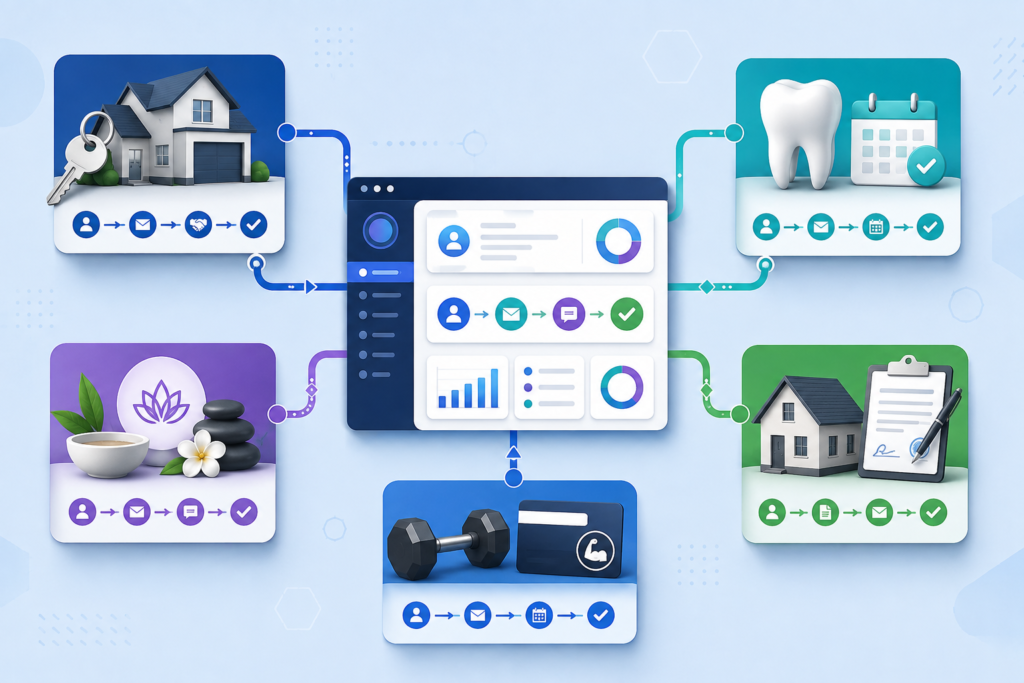
A successful GoHighLevel niche setup should reflect how a specific business generates leads, qualifies prospects, books appointments, delivers services, and retains customers. This hub gives agencies and local businesses practical setup guides for building GoHighLevel pipelines, workflows, calendars, funnels, snapshots, and follow-up campaigns around ten distinct industries.
Use the guides below to avoid starting with an empty account or relying on a generic snapshot that does not match the customer journey. Each resource focuses on the processes, automation opportunities, and configuration decisions that matter within its target niche.
If you need broader platform guidance before choosing an industry, return to the Local Resource Hub GoHighLevel tutorials. You can also review the official GoHighLevel help center for current product documentation and account-level feature instructions.
Start here: Choose one industry, map one complete customer journey, and automate the most important conversion bottleneck first. A focused system for lead response or appointment booking is more useful than a large collection of disconnected workflows.
Choose a GoHighLevel Niche Setup Guide
| Industry | Primary Objective | Recommended First Automation | Guide |
|---|---|---|---|
| Real estate | Convert buyer and seller inquiries into appointments | Lead qualification and long-term nurture | View the real estate guide |
| Dental practices | Turn prospective patients into confirmed appointments | Patient onboarding and appointment reminders | View the dental guide |
| Medical spas | Book and manage treatment consultations | Consultation intake and follow-up | View the med spa guide |
| Mortgage brokers | Move qualified borrowers toward application milestones | Lead status and document follow-up | View the mortgage guide |
| Gyms | Convert trial offers into active memberships | Trial registration and membership follow-up | View the gym guide |
| Personal trainers | Enroll and onboard coaching clients | Client access and appointment reminders | View the trainer guide |
| Solar companies | Qualify property owners and book consultations | Immediate lead response and qualification | View the solar guide |
| Roofing contractors | Generate inspections, estimates, and reviews | Post-project review requests | View the roofing guide |
| Auto repair shops | Book services and increase repeat visits | Service booking and maintenance reminders | View the auto repair guide |
| HVAC contractors | Schedule service calls and maintenance appointments | Appointment confirmation and seasonal follow-up | View the HVAC guide |

Why GoHighLevel Setup Should Be Customized by Industry
Most local businesses need the same general capabilities: contact management, lead follow-up, appointment booking, sales tracking, customer communication, and reporting. However, the way those capabilities should be configured varies substantially by industry.
A roofing lead may need an inspection, estimate, insurance discussion, project schedule, and post-job review request. A dental lead may need appointment selection, intake instructions, confirmation messages, reminders, and reactivation follow-up. Using identical pipelines and automations for both businesses would create unnecessary steps and confusing communication.
A properly planned GoHighLevel niche setup customizes five connected layers:
- Lead acquisition: Where inquiries originate and what information must be collected.
- Qualification: Which questions determine whether a lead is suitable, urgent, or ready to book.
- Conversion: The appointment, estimate, application, trial, or consultation that moves the lead forward.
- Service delivery: The tasks, notifications, documents, payments, and customer instructions required after conversion.
- Retention: The review requests, maintenance reminders, renewals, referrals, and reactivation campaigns that increase customer value.
Generic snapshot versus niche-specific setup
| Configuration Area | Generic Setup | Niche-Specific Setup |
|---|---|---|
| Pipeline stages | New lead, contacted, won, or lost | Stages modeled around actual industry milestones |
| Forms and surveys | Basic name, email, and phone fields | Questions that help qualify and route the lead |
| Automated messages | Broad follow-up that could apply to any business | Messages based on the service, appointment, and customer intent |
| Calendars | One general appointment calendar | Calendars organized around service types, locations, teams, and availability |
| Workflow timing | Arbitrary delays and repeated reminders | Timing based on urgency, buying cycle, appointment date, and service stage |
| Reporting | Total contacts and opportunities | Metrics connected to the niche’s actual conversion events |
Important: Industry customization does not mean making every account unnecessarily complicated. It means removing irrelevant steps and configuring the remaining steps around how customers actually make decisions.
GoHighLevel Setup Guides for Local Service Industries
The following guides cover appointment-driven and lead-driven local businesses. Each page addresses a specific customer journey and gives you a more focused starting point than a general CRM tutorial.
Real Estate Lead Management and Follow-Up
Real estate agents often manage leads with different time horizons. A seller requesting an immediate valuation requires a different response than a buyer who may not move for six months. The CRM must preserve both opportunities without overwhelming the agent with unnecessary manual tasks.
The gohighlevel for real estate agents tutorial explains how to structure lead sources, custom fields, pipeline stages, calendars, and nurture workflows around buyer and seller inquiries. It also covers the relationship between immediate response and longer-term follow-up.
Dental Patient Onboarding
A dental practice needs an onboarding process that helps prospective patients schedule appointments, receive appropriate instructions, and know what to expect. The system should also notify staff when a patient requires personal assistance rather than forcing every situation through automation.
Use the gohighlevel dental patient onboarding snapshot guide to plan intake fields, appointment confirmations, reminders, missed-appointment follow-up, and patient reactivation.
Med Spa Consultation and Data-Handling Setup
Medical spas combine local lead generation with appointment scheduling and potentially sensitive customer information. Account owners should carefully evaluate which information belongs inside each form, integration, message, and user-access level.
The gohighlevel med spa HIPAA compliance setup guide examines practical configuration considerations involving forms, permissions, communication, integrations, and staff access. It is an implementation resource and is not a substitute for legal or compliance advice.
Mortgage Broker Snapshot Customization
Mortgage prospects move through multiple qualification and application milestones. A useful snapshot should make those stages visible without collecting sensitive information through an inappropriate form or messaging channel.
Follow the gohighlevel mortgage broker snapshot customization guide to adapt pipeline stages, custom fields, status updates, task assignments, and borrower follow-up.
Gym Trial and Membership Funnels
A gym funnel must do more than collect contact information. It should connect the initial offer to a facility visit, class booking, consultation, trial experience, and membership decision.
The gohighlevel gym membership funnel setup guide shows how to connect landing pages, forms, calendars, reminders, and conversion follow-up around a trial or introductory offer.
GoHighLevel Setup Guides for Contractors and Appointment Businesses
Personal Trainer Client Portals
Personal trainers may need one system for discovery calls, recurring appointments, payments, coaching resources, and ongoing client communication. The portal experience should make essential information easy to find without replacing the trainer’s personal involvement.
Use the gohighlevel personal trainer client portal setup guide to organize client access, appointments, reminders, resources, billing, and onboarding.
Solar Lead Generation
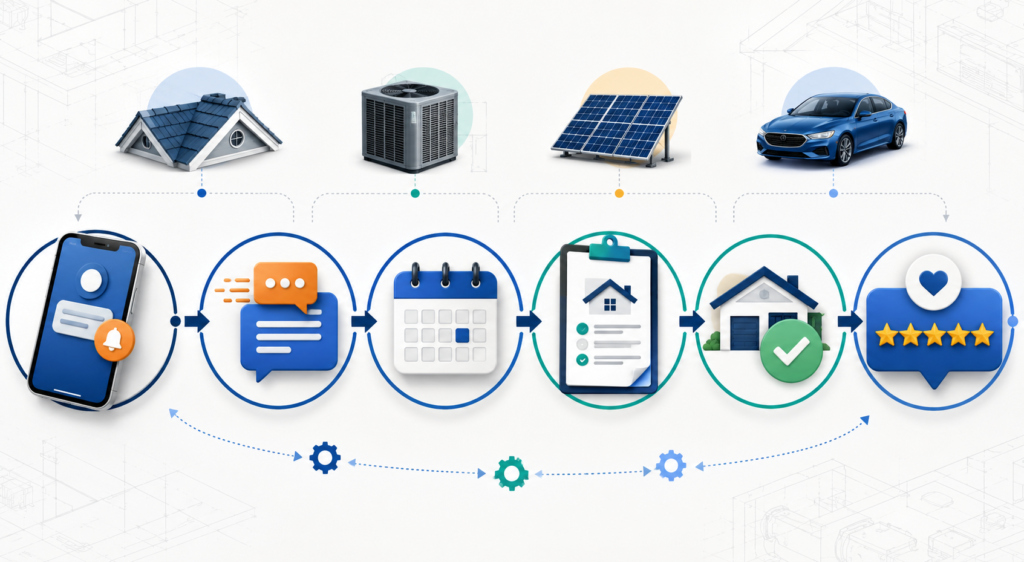
Solar leads can lose value quickly when response times are slow. An effective workflow acknowledges the inquiry, collects qualification information, assigns the opportunity, and makes scheduling easy while preserving a clear path for human follow-up.
The gohighlevel solar lead generation workflow covers forms, qualification questions, pipeline movement, notifications, appointment booking, and multi-step follow-up.
Roofing Review Automation
Review requests work best when they are connected to a verifiable service milestone. Sending the request too early can confuse the homeowner, while sending it too late may reduce response rates.
Follow the gohighlevel roofing contractor review automation guide to trigger requests after completed work, coordinate internal notifications, and create a consistent customer-feedback process.
Auto Repair Booking Funnels
An auto repair booking funnel should collect enough information to help the shop prepare without promising an exact diagnosis or repair time before a technician evaluates the vehicle.
The gohighlevel auto repair service booking funnel guide explains how to collect service requests, offer appointment times, send reminders, follow up on missed calls, and schedule future maintenance communication.
HVAC Appointment Workflows
HVAC businesses often manage urgent repairs, estimates, installations, and recurring maintenance. Those requests should not all enter the same follow-up sequence because their urgency and booking requirements differ.
Use the gohighlevel HVAC appointment booking workflow guide to structure service categories, appointment calendars, confirmation messages, internal notifications, and seasonal reminders.
What a Complete GoHighLevel Niche Setup Should Include
A finished setup is not simply a collection of imported assets. Before sending traffic into the account, verify that the system has a defined structure for contacts, opportunities, communication, appointments, users, and reporting.
1. Contact fields and data standards
Decide which information must be stored as standard contact data, custom fields, tags, or opportunity details. Use consistent field names and avoid creating several fields for the same information. Document required fields so future forms and integrations do not fragment the database.
2. Pipeline stages tied to real milestones
Each stage should represent a meaningful change in the sales or service process. Avoid creating a stage for every minor task. Tasks belong in assignments and workflows; pipeline stages should help a manager understand what has happened and what must happen next.
3. Calendars that reflect actual availability
Configure appointment duration, availability, buffers, notice periods, locations, assigned users, confirmation pages, and reminders. Test the calendar from a visitor’s perspective and confirm that booked appointments appear in the correct connected calendar.
4. Workflows with clear entry and exit rules
Every workflow needs a documented trigger, purpose, stop condition, and owner. Confirm what happens when a contact replies, books, cancels, purchases, or moves to another pipeline stage. Without exit rules, leads may continue receiving messages after completing the desired action.
5. Communication infrastructure
Connect and verify the appropriate email and phone services before activating campaigns. Review domain authentication, sending identities, consent records, opt-out handling, registration requirements, message content, and account-level limits.
6. User roles and assignments
Give users the access required to complete their responsibilities while limiting unnecessary administrative or billing access. Test the system from a non-admin profile because administrator accounts may not reveal permission problems.
7. Measurement and attribution
Record lead sources consistently and decide which conversions matter. Useful metrics may include response time, appointment rate, show rate, qualified-opportunity rate, close rate, customer acquisition cost, review rate, and reactivation revenue.
| System Component | Pre-Launch Question | Test Method |
|---|---|---|
| Form or survey | Does it collect the information needed for the next decision? | Submit test records from desktop and mobile devices |
| Pipeline | Do opportunities enter and move through the correct stages? | Complete each major customer action with test contacts |
| Calendar | Are availability, assignment, time zone, and reminders correct? | Book, reschedule, and cancel controlled appointments |
| Workflow | Are triggers, conditions, waits, and stop rules correct? | Review workflow history for every test contact |
| Email and SMS | Are messages permitted, accurate, branded, and deliverable? | Send to controlled inboxes and phone numbers |
| User assignment | Does the correct person receive each lead and task? | Test round-robin and conditional assignment paths |
| Reporting | Can the business measure its important conversions? | Confirm source and status data on test opportunities |
How to Customize a GoHighLevel Snapshot Safely
A snapshot can reduce setup time by importing reusable assets, but it cannot automatically supply the destination account’s business details, integrations, users, sending infrastructure, calendars, payment accounts, or compliance decisions.
Complete this process after importing any niche snapshot:
- Keep imported workflows unpublished until the account review is complete.
- Replace business names, addresses, contact details, legal language, and placeholder text.
- Review custom values and confirm that each one displays correctly.
- Connect the correct domains, email services, phone numbers, calendars, and payment providers.
- Assign real users to calendars, tasks, opportunities, and internal notifications.
- Review every workflow trigger, filter, waiting period, condition, message, and stop rule.
- Confirm that forms and surveys create or update the intended contact and opportunity records.
- Check desktop and mobile versions of every public-facing page.
- Submit test leads through each source and follow them through the complete journey.
- Publish workflows gradually and monitor the first live contacts closely.
Snapshot rule: Never assume an imported workflow is safe to publish because its copy looks complete. A workflow may still reference the original calendar, user, custom value, pipeline, phone number, or sending configuration.
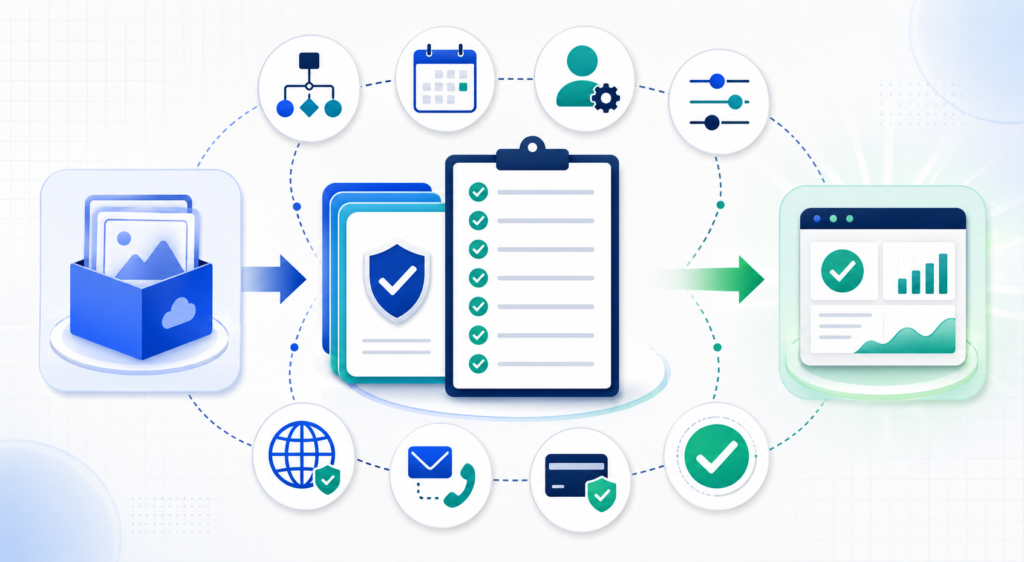
Common GoHighLevel Niche Setup Mistakes
- Automating before mapping the process: The team builds messages and delays without agreeing on the underlying customer journey.
- Importing too many assets: Unused funnels, tags, workflows, and templates make the account harder to manage.
- Creating unnecessary pipeline stages: Staff members cannot determine which stages represent meaningful sales milestones.
- Using tags as the entire data structure: Important information becomes inconsistent and difficult to report.
- Sending every lead through one workflow: Different services, lead sources, and levels of urgency receive inappropriate follow-up.
- Ignoring workflow stop conditions: Contacts continue receiving sales messages after booking or purchasing.
- Testing only as an administrator: Permission and assignment problems remain hidden until employees begin using the account.
- Measuring activity instead of outcomes: The dashboard reports message volume but not appointments, qualified opportunities, or revenue.
- Replacing human judgment with automation: Sensitive, complex, or high-value situations are handled by rigid sequences when personal attention is needed.
Start Your GoHighLevel Niche Setup
Choose the guide that most closely matches your industry and begin with one measurable workflow. After that process works reliably, expand into additional pipelines, reactivation campaigns, review requests, customer onboarding, and reporting.
- gohighlevel for real estate agents tutorial
- gohighlevel dental patient onboarding snapshot
- gohighlevel med spa HIPAA compliance setup
- gohighlevel mortgage broker snapshot customization
- gohighlevel gym membership funnel setup
- gohighlevel personal trainer client portal setup
- gohighlevel solar lead generation workflow
- gohighlevel roofing contractor review automation
- gohighlevel auto repair service booking funnel
- gohighlevel HVAC appointment booking workflow
If you have not opened an account yet, review the current plans and trial terms before deciding which setup to build.
Start your GoHighLevel trial